Before you can log into the PhenoGen website, you must register and receive approval for your registration. After your registration is approved:
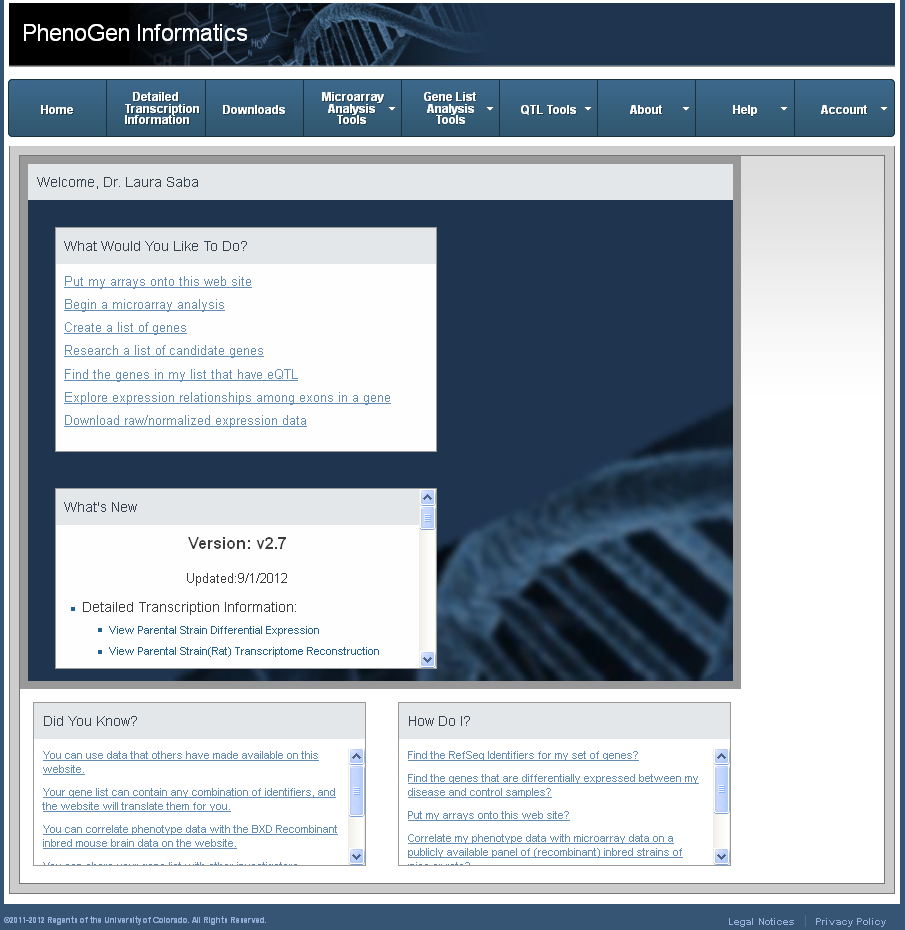
After you log in, the Home page is personalized. A What would you like to do? box displays actions you may want to perform.
Log out of the website when you are done entering data, creating datasets, and analyzing data. When you log out, the website knows that you are finished and closes your connection to the website. You can log in again at any time.
See Also
 Take a look